

The inbox shows your LinkedIn conversations in one place, together with the actions your campaigns performed. Use it to read replies and answer prospects directly.
Read replies and campaign activity
Open Inbox to see every action performed so far, including the replies you received.
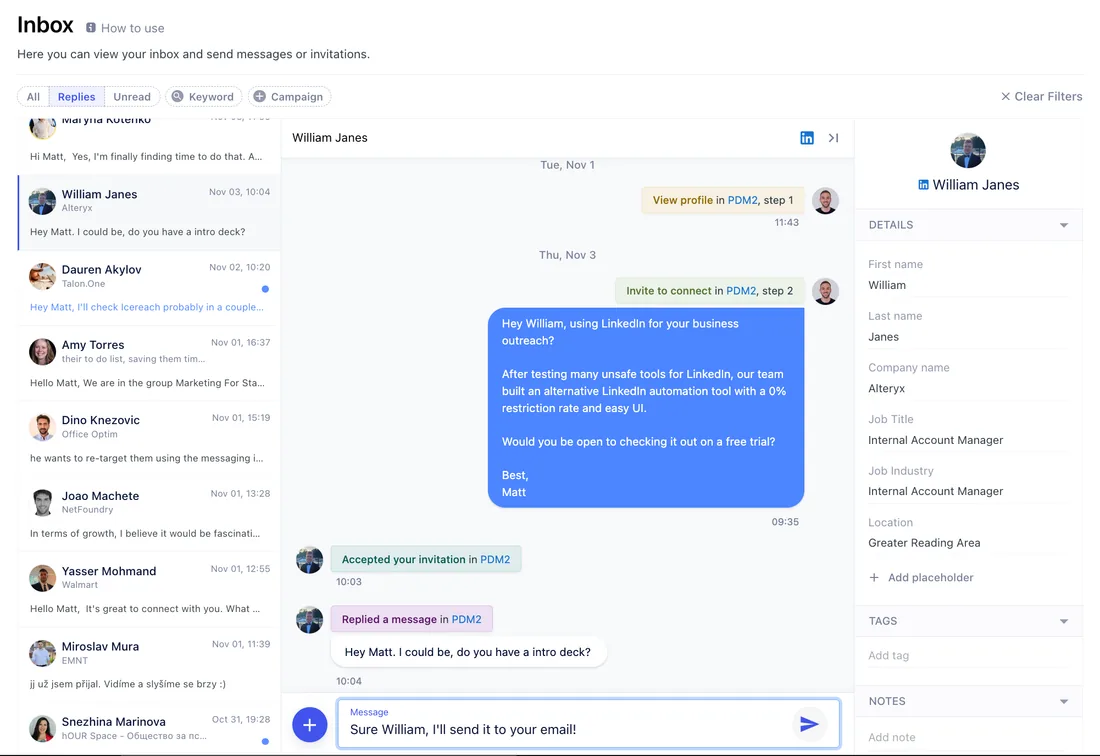
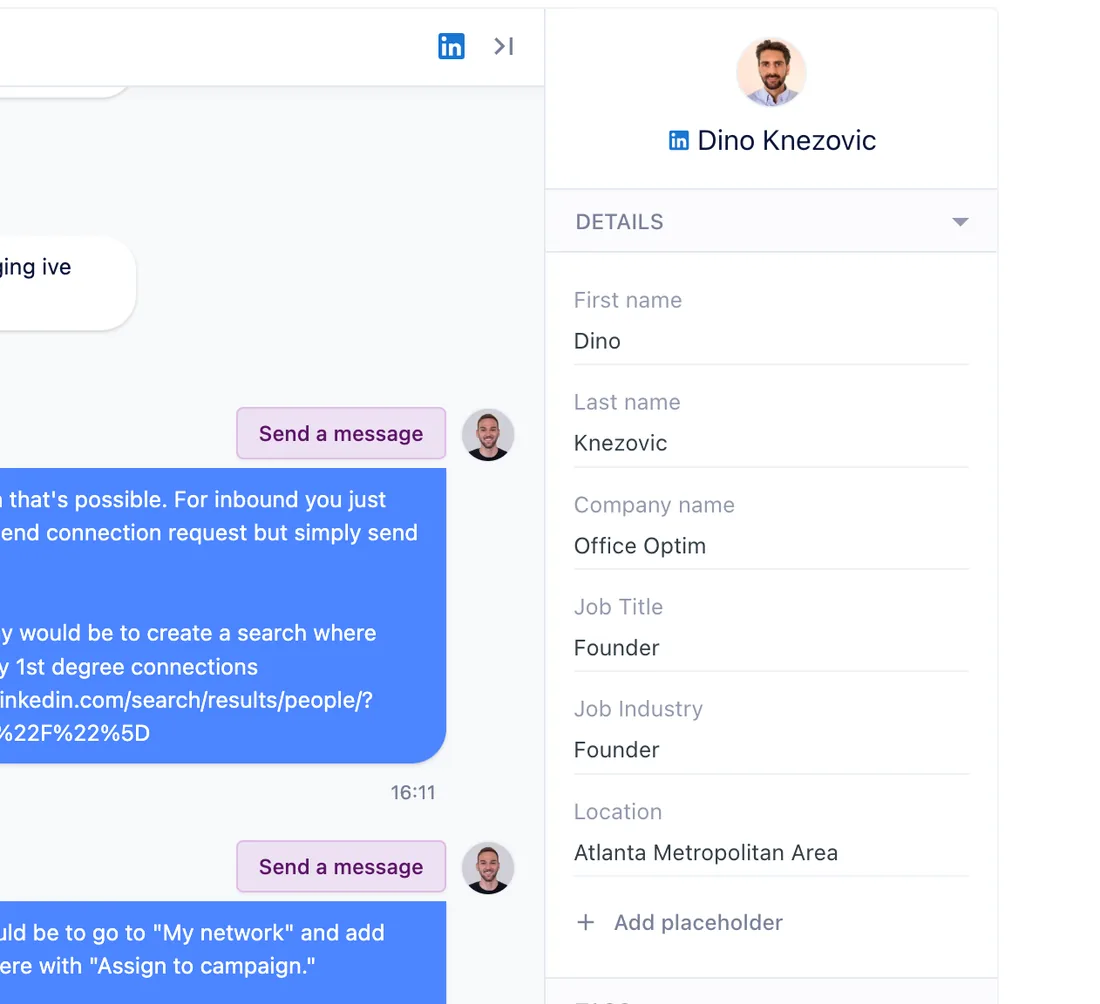
Select a conversation to see the prospect's details in the side panel and adjust their placeholder values. To add tags or notes, use the contact in My Network.
Filter the inbox
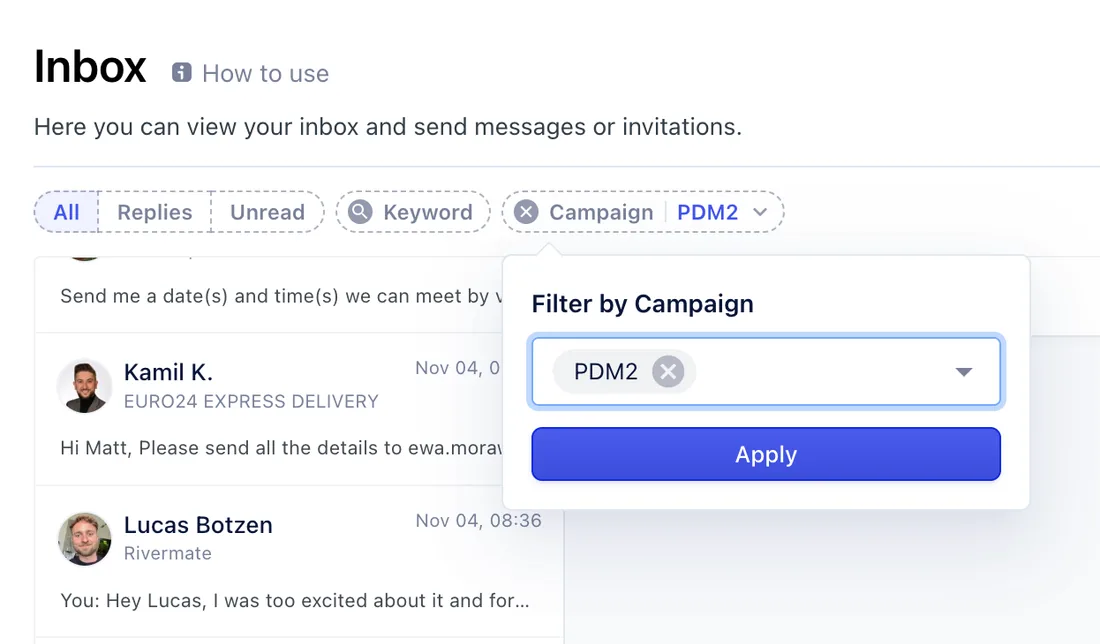
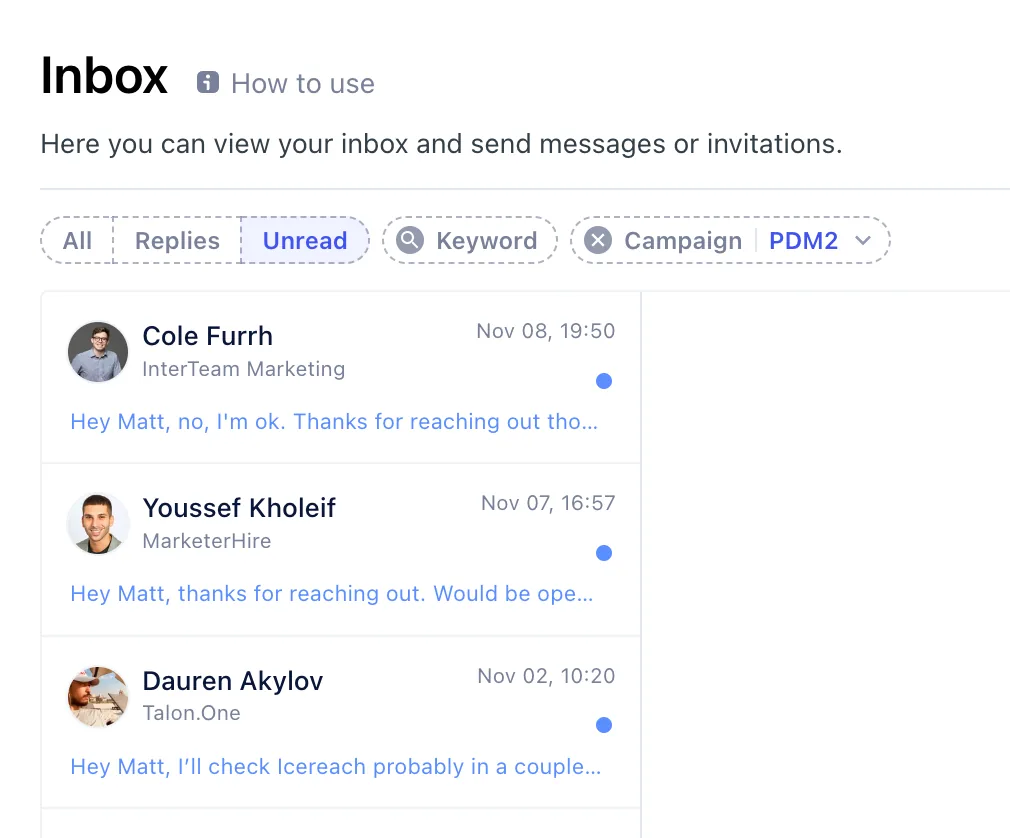
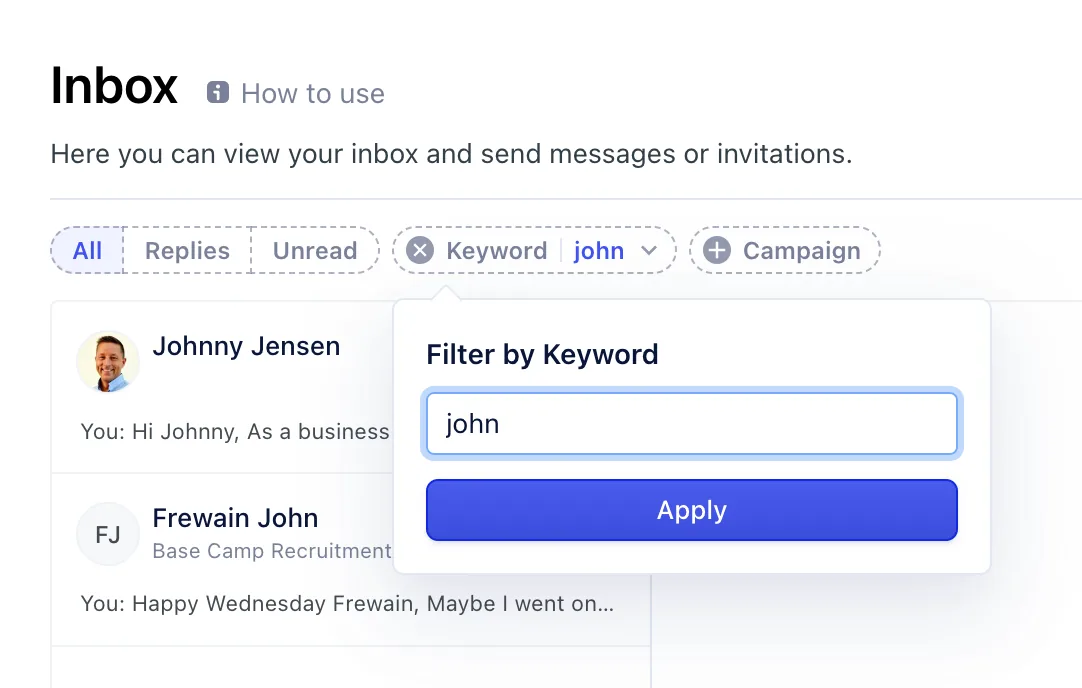
You can filter by campaign, status and unread, or search by name.
Campaign. Pick a campaign to see the activity your campaign performed and how prospects responded.
Status. Filter by status, for example people who replied or accepted your connection request, or show only unread conversations.
Name. Type a prospect's name in the search field to find them.
Related articles
- Send LinkedIn messages
- Send connection requests
- Contacts
- Feature overview: LinkedIn inbox