

If you or your team runs outreach from multiple LinkedIn accounts, Replygrow allows you to share your scraped search lists between all your accounts.
This enables you to reach more leads and save costs on additional Sales Navigator or LinkedIn Recruiter licenses, as you can create your outreach lists just with a single license.
Create search
If you want to scrape a Sales Navigator or Recruiter search, ensure you're on the account with an active license before creating a search. Now let's create a search:
Go to Search list and click on Create search.
Select the search type.
Copy-paste the LinkedIn Search URL and name your search.
Click on Save a search.
You can follow more detailed instructions on How to create a search.
Reuse search with a different account
Switch to a different account
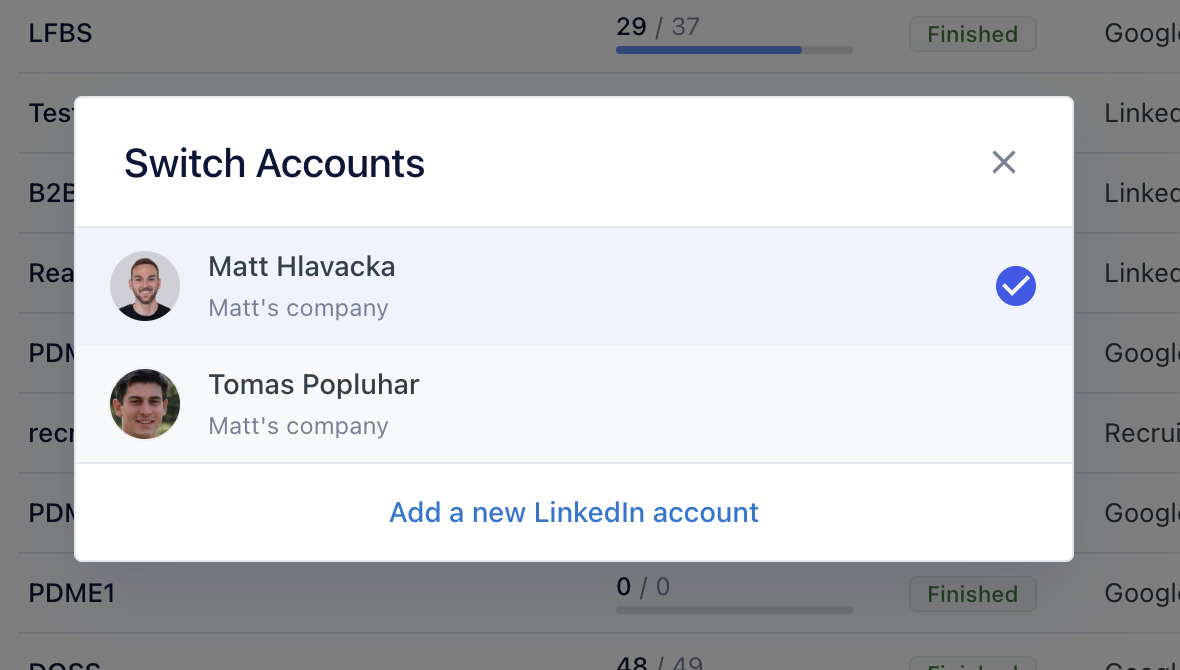
Go to Campaigns and click on New Campaign.
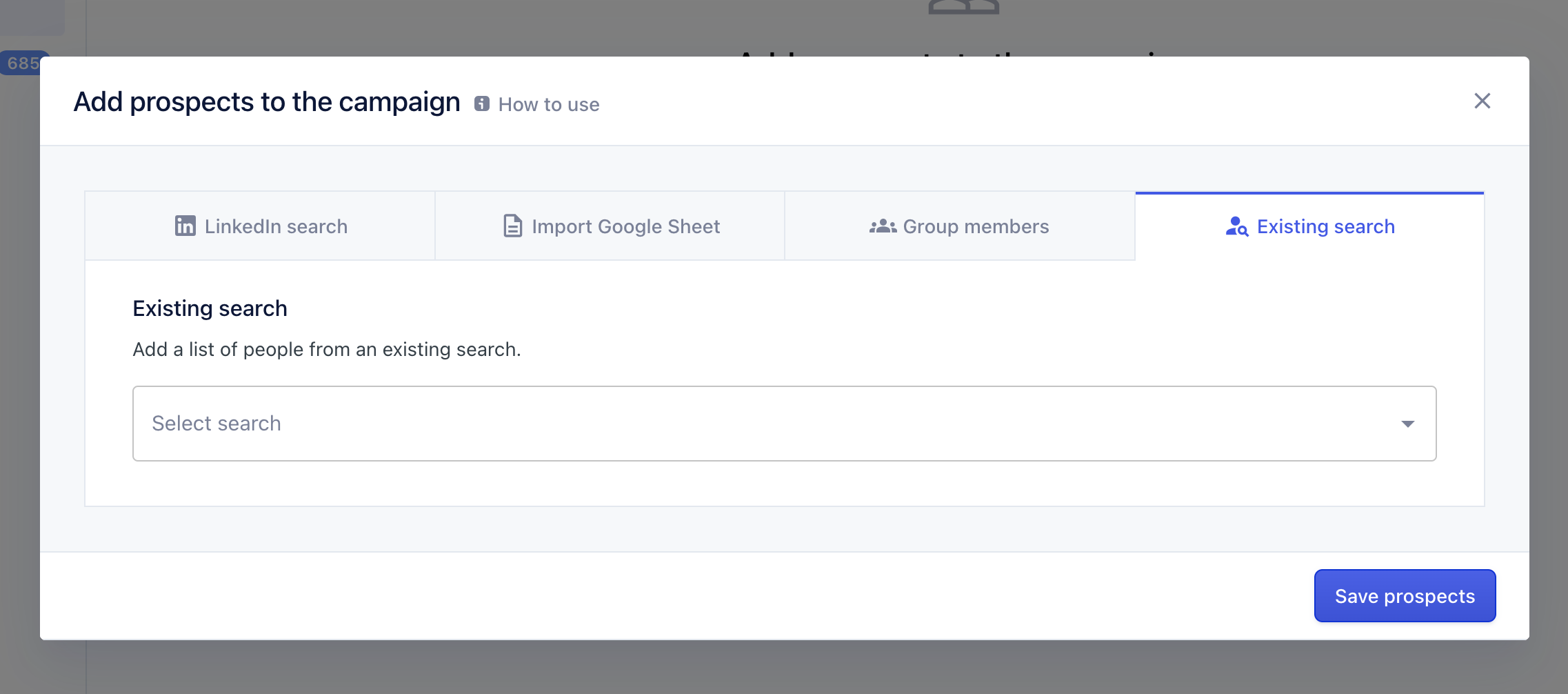
Click on Add prospects.
Choose Existing search from the options.
Select your pre-created Search from the dropdown
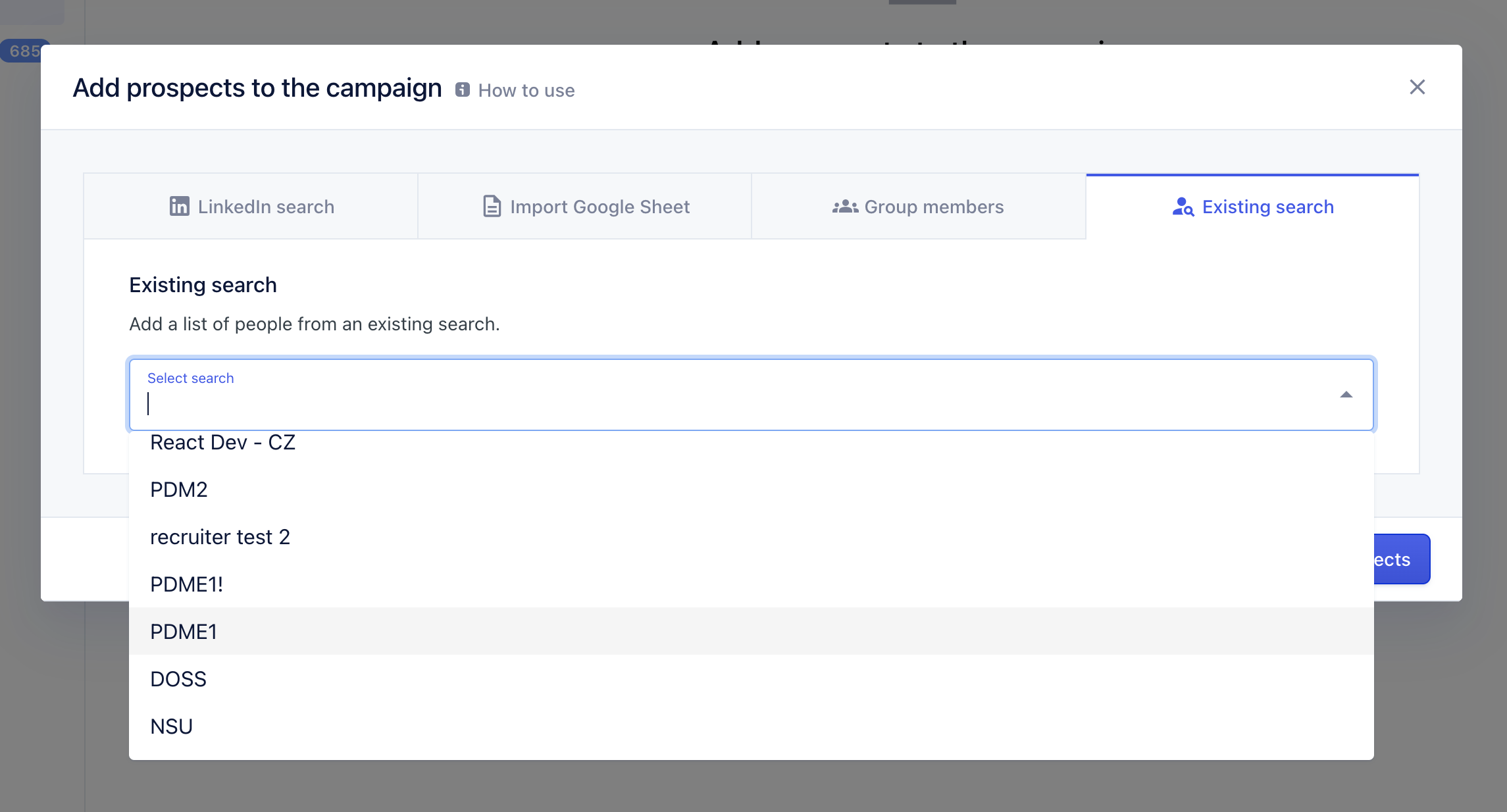
You can re-use searches to start campaigns with multiple LinkedIn accounts.