

This is the second half of a webhooks Pipedrive integration. After you create the webhook, add a Zapier action that finds or creates the person in Pipedrive. The same approach works with other CRMs that Zapier supports.
Add the Pipedrive action
Return to your Zap in Zapier and click the second action.
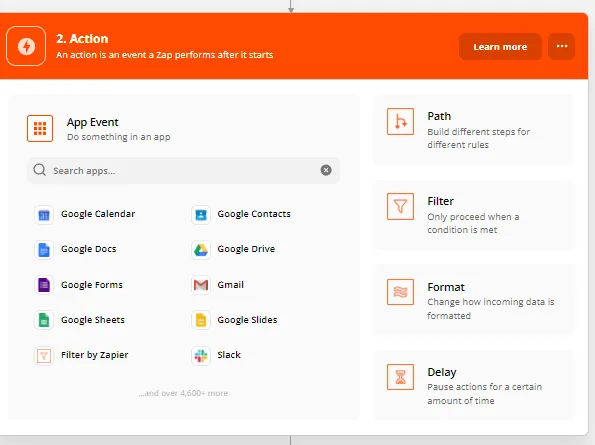
Choose Pipedrive as the app.
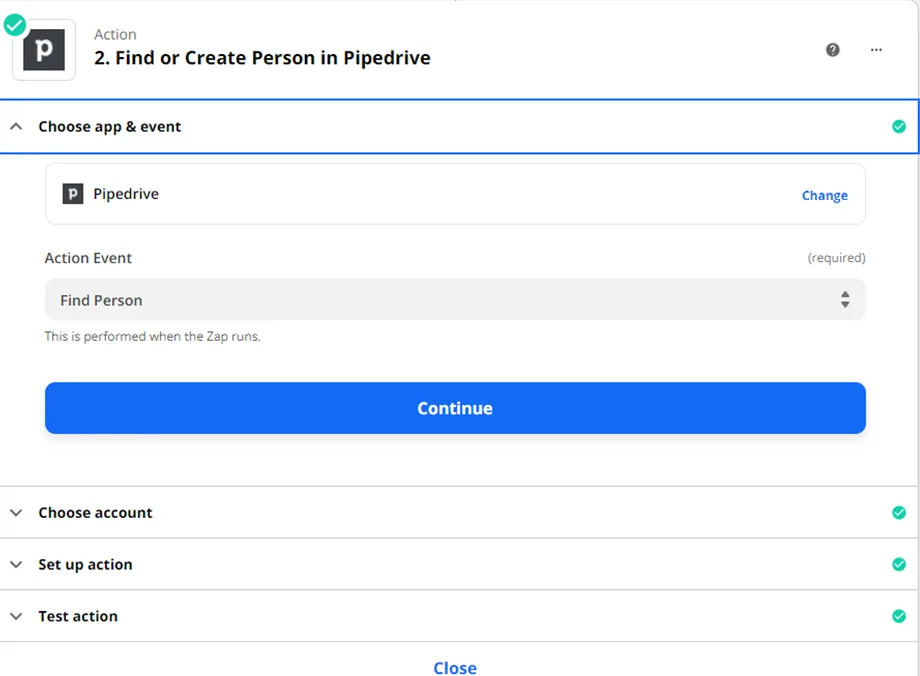
Choose the action event Find Person.
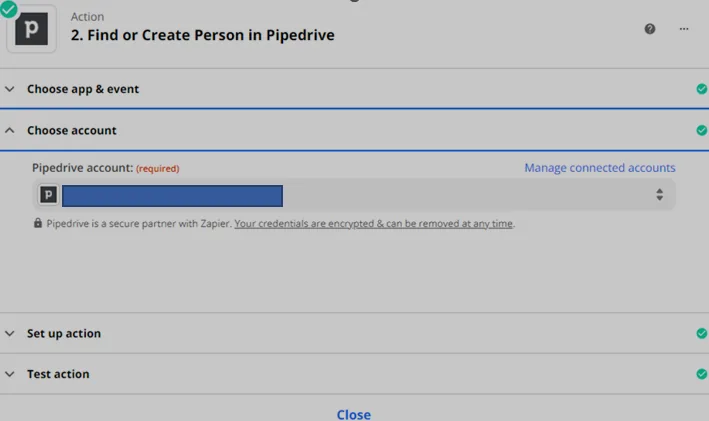
Select your Pipedrive account under Choose account, then click Continue.
Set up the search
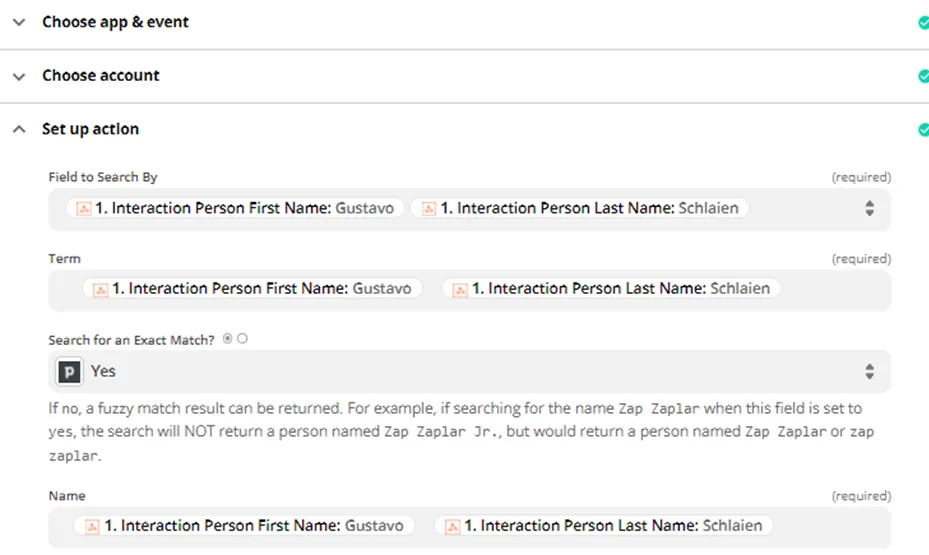
Fill in the Find Person step like this:
- For Field to Search By, choose the name fields from the webhook data.
- For Term, use the same first and last name fields.
- Set Search for an Exact Match? to Yes.
- Tick the option to create a new person if one doesn't exist yet, and fill in Name the same way.
Then click Continue.
Test and turn on the Zap
Click Test & Review to check that the test succeeded and to see the result.
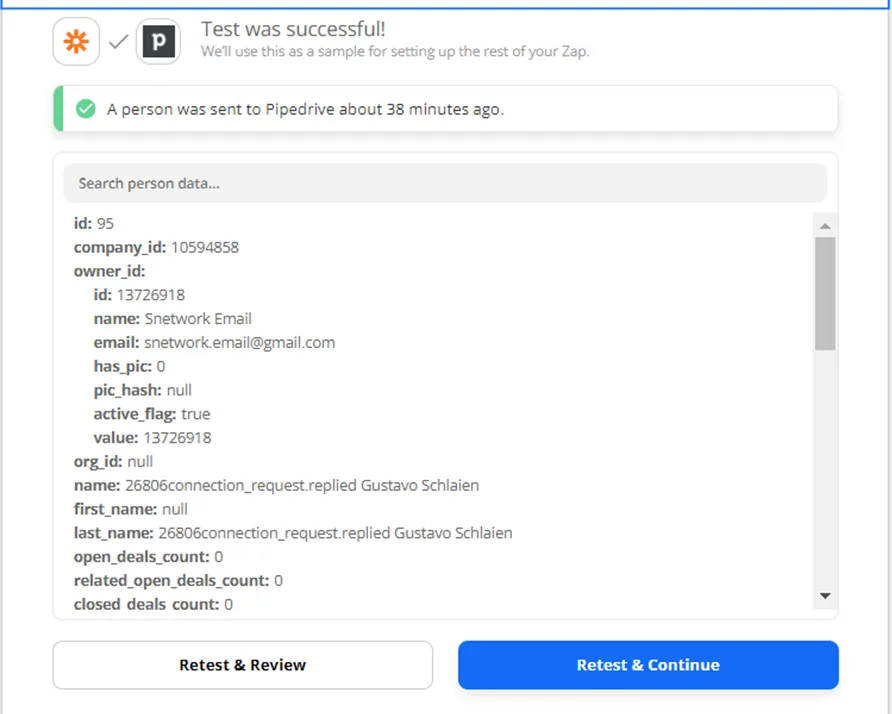
Turn on your Zap.